 KIREI ID / ID PHOTO MAKER
One portrait. Two ways to use it.
Choose the destination size first, take or import your photo, then keep one clean JPEG for digital upload or make a print sheet for paper.
iOS app in preparation. Android is in development.
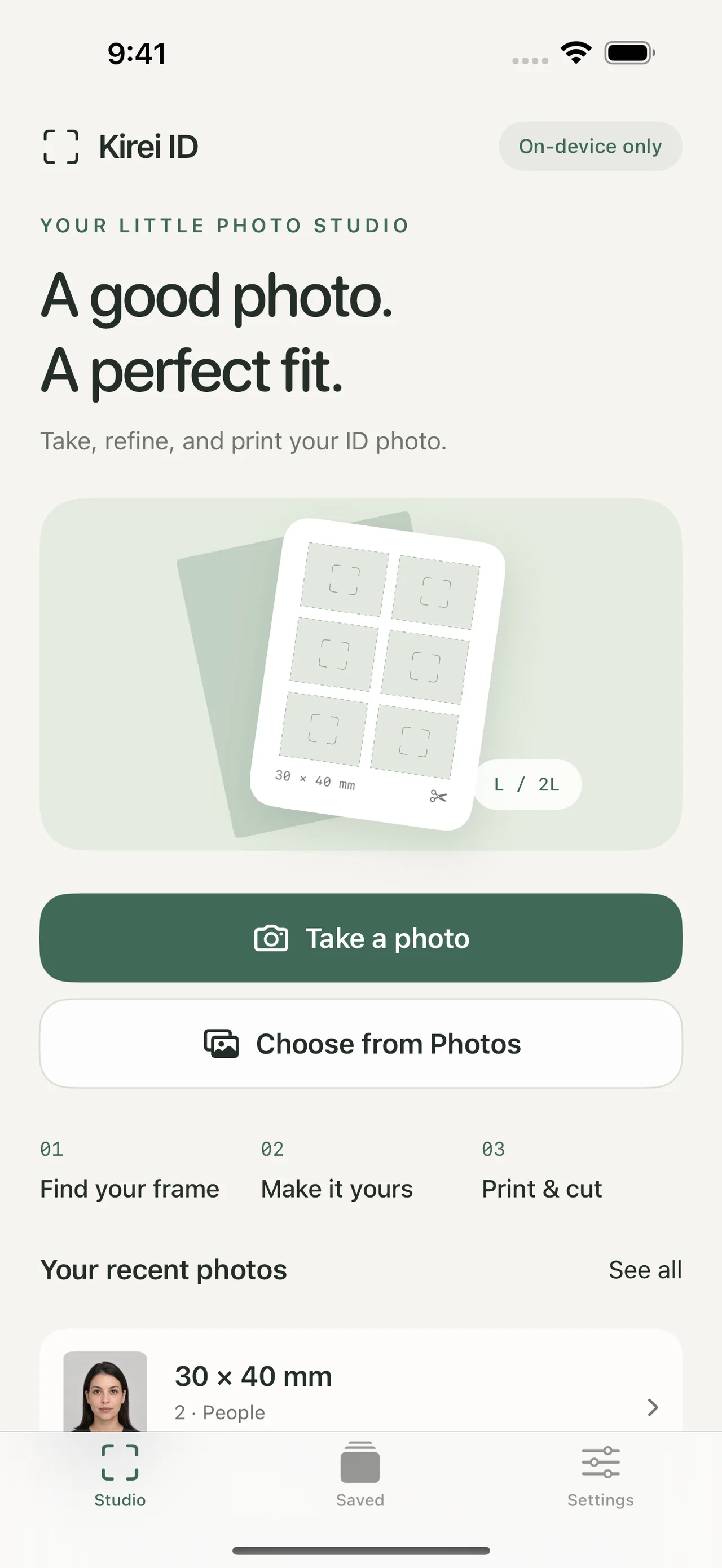
Make the file your application needs
Take or import a photo, refine it, save one digital JPEG for online upload, or create an exact-size print-ready sheet.
Digital upload
Digital upload
Save one edited JPEG to your phone for an online form, visa portal, application, or profile. Check the receiving service's pixel and file rules before sending.
JPEG · one photoPhysical print
Physical print
Create an exact-size L or 2L sheet for a convenience-store or home printer. Keep the print output separate from the single-photo JPEG.
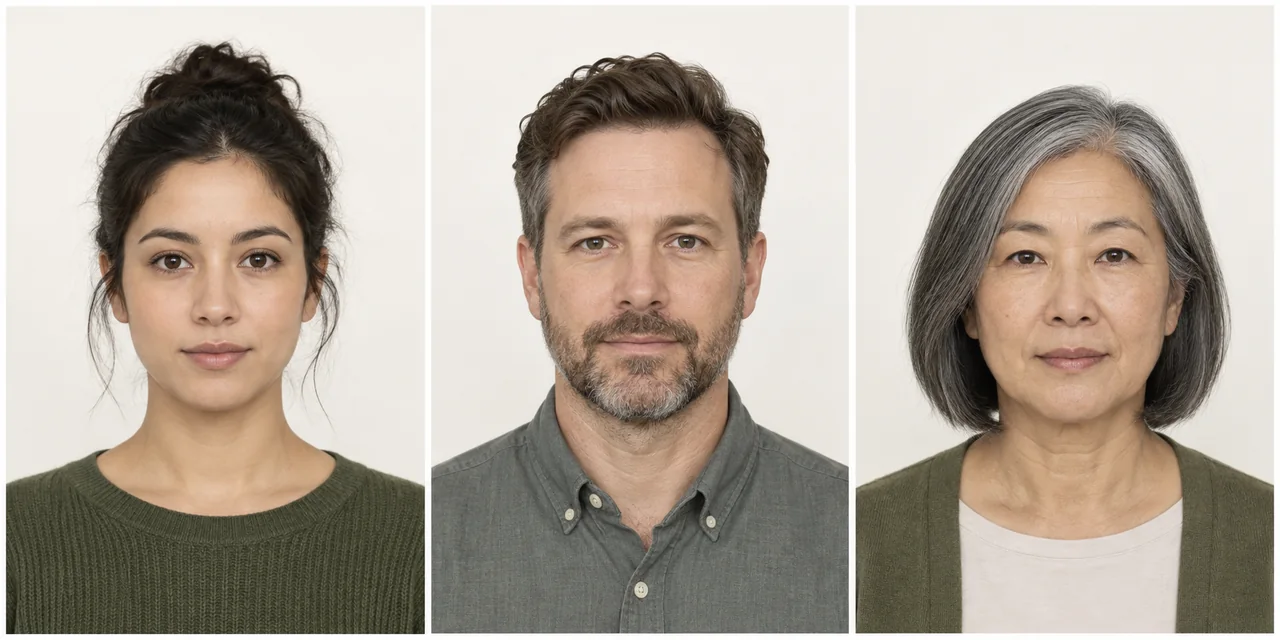
L / 2L · print sheetSee the portrait before the paperwork
These fictional sample portraits show the clean, front-facing result Kirei ID is designed to help you prepare. They are examples, not official acceptance examples.
Check the receiving organization’s photo rules. Official acceptance is not guaranteed.
The new flow keeps size in front
Take or import a photo, refine it, save one digital JPEG for online upload, or create an exact-size print-ready sheet.
- 1.
1. Choose the destination size
Select a general size such as 30 × 40 mm, or a destination-specific size, before you take the photo.
- 2.
2. Take and adjust
Use the guide while shooting, then refine the crop, background, and colour with the same size still in view.
- 3.
3. Save the right output
Download one edited JPEG for digital upload, or export a separate L/2L print sheet for physical copies.
Choose common or custom photo dimensions.
Save one edited JPEG for digital upload, or export L/2L print sheets.
Save projects on your device and reopen them later.
Before you submit or print
Check the receiving organization’s photo rules. Official acceptance is not guaranteed.
Does Kirei ID make a digital file?
Yes. Save or share one edited JPEG to your phone for a digital upload. The receiving service may still require a particular pixel size, file size, or format.
Can I print the same photo?
Yes. Export a separate L or 2L print sheet for physical copies. Use 100% scale and check one cut photo with a ruler.
Will every organization accept it?
No acceptance can be promised. Check the current photo rules for the organization, country, application, and upload portal before submitting.
Explore the output options
Start by choosing the destination size. You can adjust the image later without losing the selected format.